
Free general wellness education only — not medical advice. We do not sell products, supplements, or clinical services. Individual experiences vary.

Desk Wellness Guides for Real Office Days

Long meetings, tight deadlines, and hours at a screen can leave your shoulders tight and your mind scattered. Here you will find free educational articles about short, desk-friendly habits—general comfort tips, not medical treatment.

Published by Jointsoaeco.ddd · Mission, Kansas, USA

play_circle Start with a 2-Minute Break info About This Site
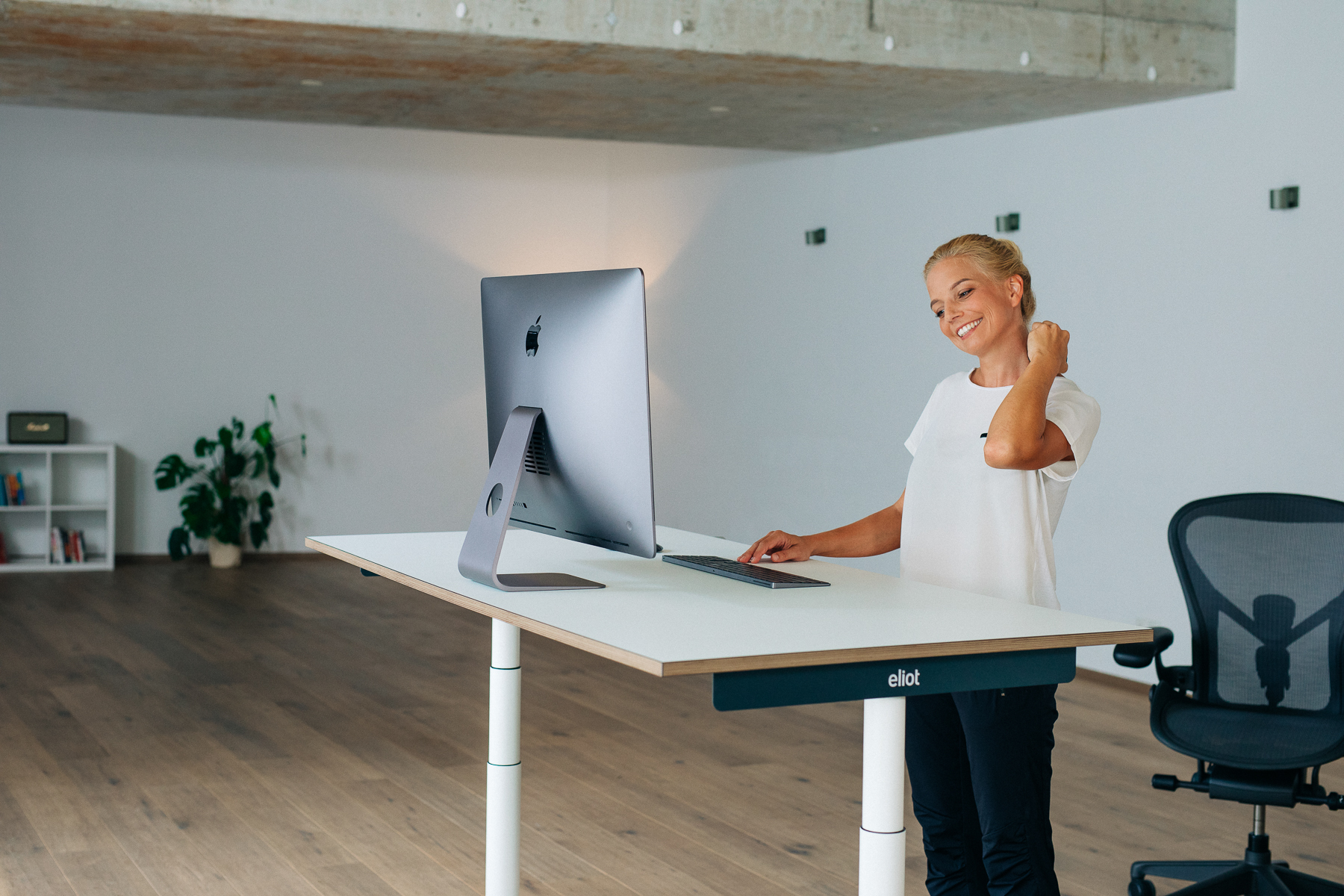
Office worker taking a short calm break at desk

Why Short Breaks Help at Work

Studies show that small, regular pauses can help you focus and feel less worn out—especially when they are easy to repeat between tasks. You do not need to redesign your whole day. Even two minutes of movement or calm can make a difference.

schedule

Quick to do

Most routines here take two to five minutes. You can run one between emails, after a call, or before you dive into deep work. Consistency beats duration: three short resets often feel more sustainable than one long session you skip when the calendar fills up.
chair

At your desk

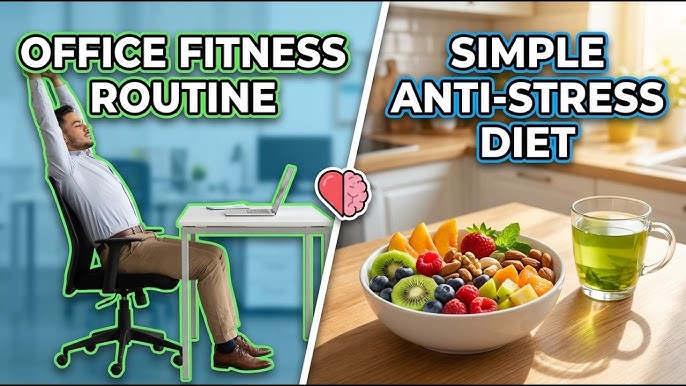
Everything works in a normal office chair. You stay seated or stand next to your desk—no mat, no gym clothes, no blocking the hallway. That makes it easier to actually do them.

psychology

Helps you calm down

These routines work on your breath, tension, and focus—not on hitting performance targets. Think of them as tune-ups for your workday: small resets before a presentation or after a string of video calls.

Three Easy Times to Take a Break

Many desk workers use three touchpoints: when they arrive, after lunch, and before they log off. Link each break to something you already do—open your laptop, come back from lunch, or save your last file.

  • Morning (2 min): Sit tall, roll shoulders back three times, take six slow breaths with a longer exhale. Sets a calmer tone before inbox triage.
  • Midday (3–4 min): Stand for hip flexor stretches and wrist circles. Counteracts static sitting without a gym trip.
  • End of day (2 min): Close eyes, name three things that went okay, unclench jaw. Helps you transition out of work mode.
2–5 min each No equipment Desk-friendly
Planner showing break reminders during workday

Four Ways to Reset During the Day

Stress shows up in different ways—tight shoulders, shallow breath, racing thoughts. Mix a few types of breaks so you always have something that fits the moment.

Short breaks

Stand up, rest your eyes, drink water. Good when the screen wears you out. See short breaks.

Desk stretches

Neck, shoulders, wrists, and hips—the spots that tighten when you type and lean forward. See stretches.

Quiet focus

Notice sounds, your feet on the floor, or one task at a time. See focus tips.

Hands on keyboard with reminder note for stretch break

How to Start Without Overloading Your Day

Pick one routine and attach it to a fixed cue for one week. For example, after your first cup of coffee, do the 90-second shoulder and neck sequence. Once it feels automatic, add a second cue after lunch.

  • Set a recurring reminder labeled “reset” rather than “workout” to keep expectations light.
  • Keep water at your desk; sipping often pairs well with a breath pause.
  • If you wear headphones, use a silent timer vibration instead of audio chimes in open offices.
  • Track how you feel (0–10 stress note) in a notes app—patterns help you choose the right tool later.
mail Ask a Question

What Research Says About Breaks at Work

Sitting for long stretches is often linked to aches and tiredness. Breaks that include a little movement or calm time are associated with feeling better in some office studies—though every workplace and person is different.

Some workplace wellness publications note that short recovery moments during the day are one factor people explore for comfort at work. This is educational context only—not a promise of specific results for you.
2–5minutes per routine
good times per day
0equipment needed

This is general information, not a promise about your results. Sleep, workload, and desk setup all matter. Ease off if anything feels uncomfortable.

How to Stay Safe

Move within a comfortable range—no forcing stretches to the point of pain. If you have recent injuries, surgery, or conditions affecting balance or joints, check with a qualified health provider before starting new movement routines.

  • Keep feet flat on the floor or on a footrest when seated.
  • Stand slowly if you have been sitting for hours to avoid lightheadedness.
  • Stop any exercise that causes sharp pain, numbness, or dizziness.
  • Follow your employer’s ergonomics and break policies.
Ergonomic desk setup with monitor at eye level

Practice Week Ideas

Use these themed days as a self-guided plan from your desk. Times are U.S. Central (Mission, KS). No sign-up needed—just follow the theme that day.

DateThemeFocusDuration
Jun 3, 2026Micro Break MondayEye rest + hydration habit12 min total
Jun 10, 2026Stretch WednesdayNeck and shoulder sequence15 min
Jun 17, 2026Breath FridayExhale-focused reset10 min
Jun 24, 2026Mindful FocusSingle-task attention drill12 min

Transparency for Visitors

We want you to know exactly what this Site is before you use our guides—especially if you arrived from an online advertisement.

Important disclosures

  • Educational publisher only: We share general desk wellness information. We are not a hospital, clinic, or licensed care provider.
  • No product sales on this Site: We do not sell supplements, medical devices, or paid treatment programs here.
  • Results vary: Routines may feel helpful to some readers and not to others. Your comfort depends on many factors, including sleep, workload, and ergonomics.
  • Verify our business: About · Contact · Privacy Policy · Your Privacy Choices · Terms of Use

Common Questions

Is this site medical advice?

No. All content is general lifestyle and workplace comfort information. For symptoms, injuries, or whether an exercise is appropriate for you, contact a qualified health professional or your employer’s occupational health team.

Do you sell anything?

No products or paid subscriptions are sold through these guides. The Site is free to read. See our About page for details.

How often should I take a desk break?

Many ergonomics guides suggest moving briefly every 30 to 60 minutes of screen time. If that is not realistic, aim for at least three deliberate resets per workday tied to calendar anchors you already have.

Will coworkers notice?

Most routines are subtle—quiet breathing, seated stretches, looking away from the monitor. If you prefer privacy, use a meeting room for standing stretches or practice during natural lulls.

Do I need an app?

No. A phone timer or calendar reminder is enough. Apps can help if you like streaks, but they are optional.

Can I combine routines?

Yes. A common stack: 60 seconds of breathing, then 2 minutes of stretches, then 30 seconds of eyes-off-screen rest. Keep total time under five minutes when you are busy.